
Multiple Formats
Supports MP4/WEBM/MKV/AVI and more
No Installation
Powered by FFmpeg.wasm, runs in browser
Full Quality Control
Customize CRF, resolution, codec parameters
Everything Needed for Browser Audio Extraction
Turn video files into clean MP3 audio while keeping control over quality, file size, and privacy. The converter is designed for quick audio reuse without installing desktop editing software.
Extract Audio from MP4
Load a video file and export the audio track as MP3 for listening, editing, transcription, or sharing.
Bitrate Options
Choose practical output quality levels for speech, music, course material, or lightweight sharing.
Browser-Local Processing
The conversion runs locally in your browser, so private source files do not need to be uploaded to a remote service.
Fast Preview Workflow
Convert short clips quickly and check whether the extracted audio is suitable before editing or publishing.
Useful for Transcription
Create smaller MP3 files from recorded meetings, webinars, interviews, and lectures before sending them to a transcription workflow.
No App Installation
Run the extraction workflow from a normal browser tab without installing FFmpeg, Audacity, or a desktop media suite.
What is an MP4 to MP3 Converter?
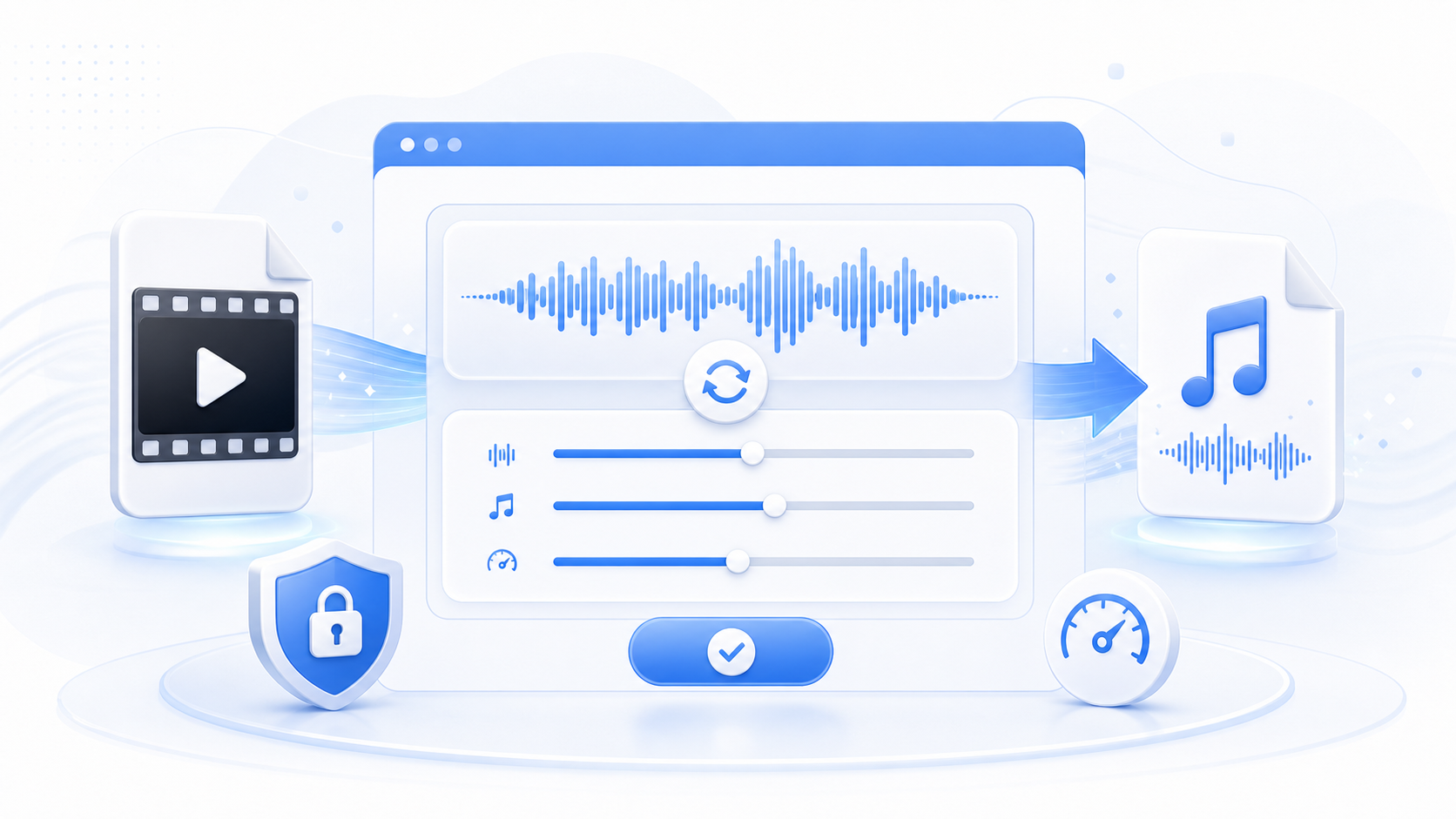
An MP4 to MP3 converter reads the audio stream inside a video file and exports it as a standalone MP3. It is useful when you only need the sound from a recording, presentation, interview, music video, or screen capture.
Video In, Audio Out
The source file stays a video, but the output is an audio-only MP3 that is easier to store, share, or play in audio apps.
Quality and Size Control
Bitrate choices help balance speech clarity, music quality, and final file size for the way you plan to use the audio.
Private Local Conversion
Browser-side processing avoids unnecessary uploads when working with internal recordings or unpublished media.
Why Convert MP4 to MP3 Online
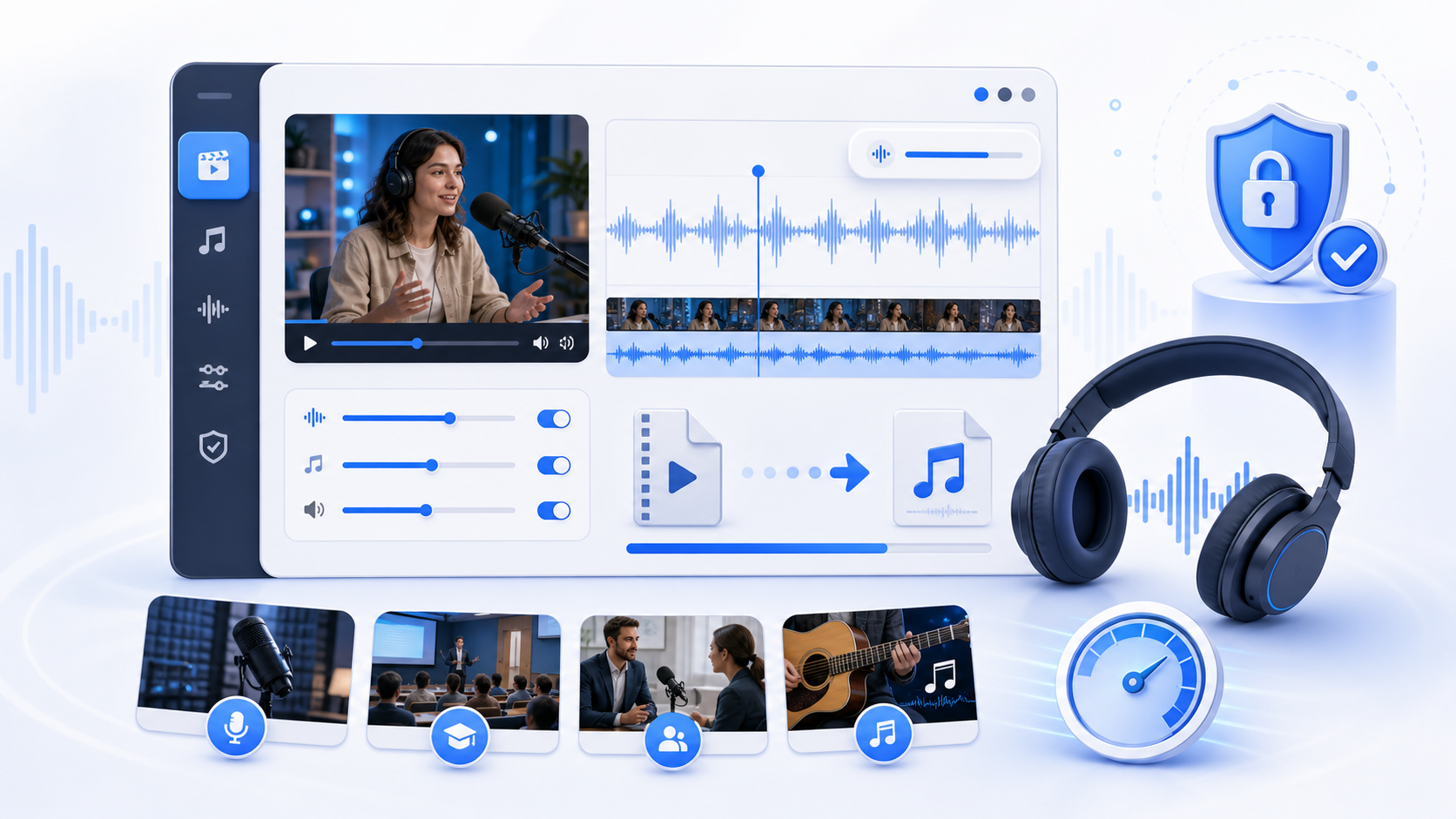
Extracting audio in the browser is faster than opening a full video editor when you only need the soundtrack. It is a focused workflow for podcasts, lessons, interviews, music references, and voice clips.
Save Time on Simple Audio Tasks
Skip heavy editing tools when the job is just extracting sound from a video and saving it in a common audio format.
Create Smaller Shareable Files
MP3 audio is usually much smaller than video, making it easier to send, archive, or upload for review.
Keep Source Files Private
Local processing is useful for class recordings, internal meetings, drafts, and client material that should not be uploaded casually.
Prepare Audio for the Next Workflow
Use the output for transcription, podcast editing, note taking, voiceover review, or listening on devices that do not need video.
How to Convert MP4 to MP3
The workflow is intentionally simple: choose a video, select the audio quality, convert locally, and check the MP3 before using it in another tool.
Choose an MP4 File
Select the video from your device. Shorter files convert faster and are easier to preview before exporting.
Select MP3 Quality
Pick a bitrate suited to the content. Speech can use a smaller file while music usually benefits from higher quality.
Start Local Conversion
The browser extracts and encodes the audio track without requiring a server upload for normal conversion.
Download the MP3
Save the audio file to your device and name it clearly for editing, transcription, or publishing.
Review the Result
Play the MP3 to confirm audio length, clarity, and volume before deleting the source or sharing the output.
Audio Extraction Use Cases
A focused converter for everyday video-to-audio work in the browser.
Common Output
MP3
Audio-only files
Processing Mode
Local
Runs in your browser
Good For
Speech/Music
Clips, lectures, interviews
Who Uses the MP4 to MP3 Converter
Creators, educators, marketers, and support teams use the converter when video contains useful audio that needs to become a standalone file.
Maya Collins
Video Operations Lead
I use the MP4 to MP3 converter pages when I need a quick browser check before sending media to an editor or client. The workflow is simple enough for repeated daily use.
Daniel Park
Frontend Engineer
The local browser processing model matters. I can validate the mp4 to mp3 converter output without handing internal test files to another upload service.
Rachel Morgan
Course Producer
Our lesson clips need fast cleanup before publishing. This tool gives my team a practical path from source file to usable output.
Owen Fisher
Streaming QA Analyst
It helps separate file problems from browser problems. I can test the result immediately and decide whether the source needs a different workflow.
Nora Bennett
Content Manager
The page is easy for non-engineers, but the details are still useful when we need to explain settings, quality, and export choices.
Luis Herrera
Support Specialist
When users send media that will not open or share cleanly, I start here because the page makes the next action obvious.
Priya Shah
E-Learning Manager
I like that the copy explains what is happening. It reduces back-and-forth when teammates need to convert or optimize clips themselves.
Marcus Reed
Media Technician
The browser-first workflow saves setup time. I can run a quick conversion or test without installing a desktop app on every machine.
Elena Rossi
Product Marketer
For demos, help docs, and social assets, this gives us a fast way to prepare media while keeping the original file workflow clear.
MP4 to MP3 FAQ
Answers to common questions about audio quality, browser processing, privacy, source files, bitrate choices, transcription workflows, silent videos, and MP3 output checks.
Does converting MP4 to MP3 reduce quality?
MP3 is a compressed audio format, so some loss is expected. Choose a higher bitrate when the source contains music or detailed sound.
Is the video uploaded to a server?
The converter is designed for browser-local processing. Your file does not need to be uploaded for normal conversion.
Which bitrate should I choose?
Use a lower bitrate for speech or notes, and a higher bitrate for music, podcasts, or audio you plan to publish.
Can I convert long videos?
Long videos depend on browser memory and device performance. For very large files, close other heavy tabs and expect conversion to take longer.
Will the MP3 include the whole video?
The output follows the available audio track. If the video has silence, missing audio, or multiple tracks, review the result after conversion.
Can I use the MP3 for transcription?
Yes. MP3 is widely accepted by transcription and note-taking tools, and it is usually smaller than the original video.
What if the source file has no audio?
A video without an audio track cannot produce a useful MP3. Check the original file before converting.
Can I extract audio from online videos?
This page works with local files. For media URLs, download only content you are authorized to save, then convert the file if needed.
Ready to Extract Audio from MP4?
Choose a video, convert the audio locally, and download an MP3 you can use for listening, editing, or transcription.